![Asset 2.svg]](https://help.truleo.co/hubfs/Asset%202.svg)
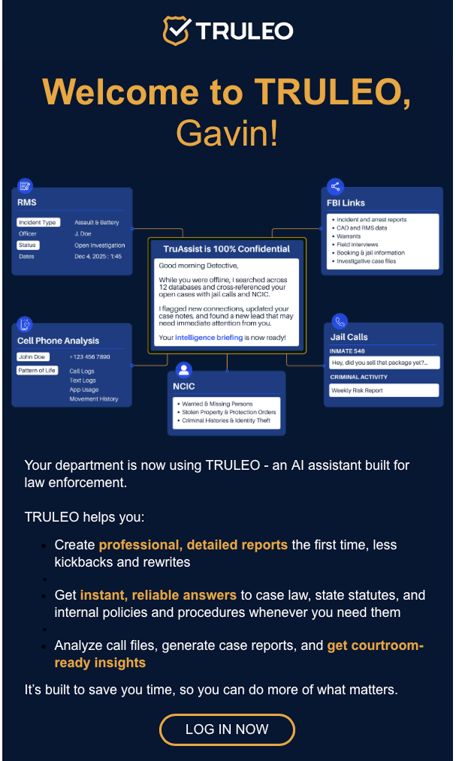
Your administrator will invite you to TRULEO, and you will receive an email with a link. Once the email is found and opened, simply click LOG IN NOW
Sign up now will take you to a login screen. Verify your login credentials and enter and confirm a strong password. Click Sign Up.
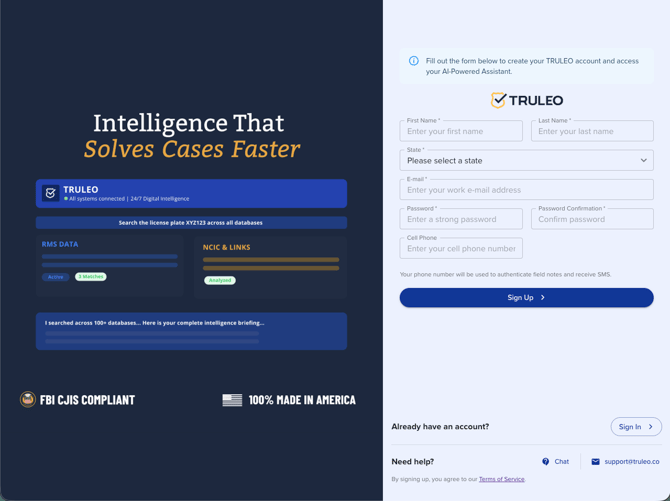
NOTE: If your organization has single-sign on enabled, you will not enter a password and instead are using your organization account password.
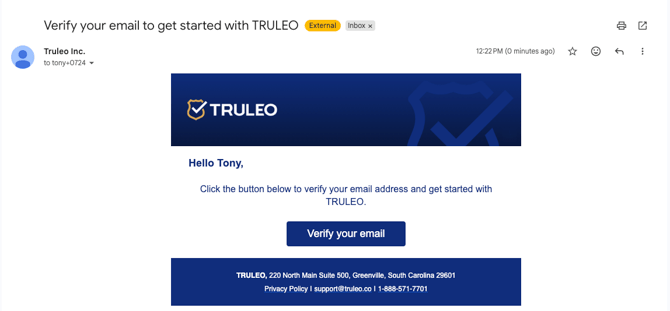
Troubleshooting: invitation won't complete with single sign-on
If your organization uses single sign-on, the email address on your SSO account must exactly match the email address your administrator used to invite you. If they don't match, TRULEO shows an error and won't complete the sign-up instead of linking you to the wrong account.
If you hit this:
- Confirm with your administrator which email address they used to send your invite
- Log in to SSO using that same email address, or
- Ask your administrator to re-send the invite to the email address tied to your SSO account
Setting up your profile
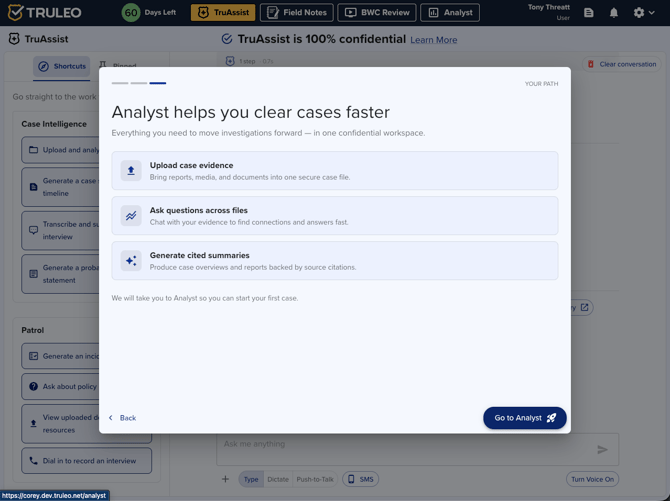
After you sign up, a short onboarding dialog walks you through setting up your profile. A step indicator at the top of the dialog shows your progress across three steps: Welcome, Your Profile, and Your Path.
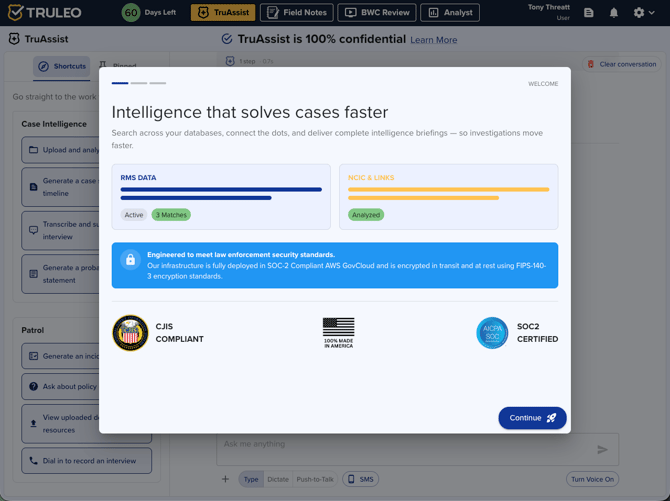
- Welcome — an overview of what TRULEO does and how it secures your data, including a security callout (SOC-2 compliant AWS GovCloud, FIPS-140-3 encryption in transit and at rest) and CJIS/SOC2 compliance badges. Click Continue.
-
Your Profile — tell TRULEO about yourself:
-
Which license are you interested in? — Patrol, Investigator, or Command
What features in TRULEO are you most excited about? — select all that apply: dictate my notes, narratives, and reports directly to get cleaned up and properly formatted; dial into TRULEO from my cell phone to record, transcribe, and analyze witness statements; ask questions about my state statutes and our department policies and procedures; generate intelligence briefings, policies, accreditation, and performance reviews; connect my evidence, generate solvability scores, and receive new leads; harden my cases before court by finding weaknesses and suggestions for improvement
Click Get Started! to continue, or Back to return to the welcome screen.
-
- Your Path — based on what you selected as your interests, TRULEO highlights the feature most relevant to you and gives you a button to go straight there: Analyst, Field Notes, Interviews, BWC Review, or TruAssist. If you're interested in RMS lookups and your organization doesn't have an RMS connector set up yet, you'll see options to continue without one or chat with support about connecting one.
Inviting a teammate during your free trial
If you're on a free trial, you can invite a colleague to TRULEO yourself — no administrator required.
- In TruAssist, look for Invite a Teammate at the top of the Shortcuts panel, or use the Invite a teammate button shown in TruAssist's welcome messages.
- Fill in your teammate's email, first name, last name, and phone number, then submit.
- TRULEO sends your teammate an invitation, and you'll see a confirmation with their name.
Inviting a teammate doesn't change or extend your trial length — it's simply a way to bring a colleague into TRULEO.